Your client books the time.
WhatsApp confirms it.
You do the work.
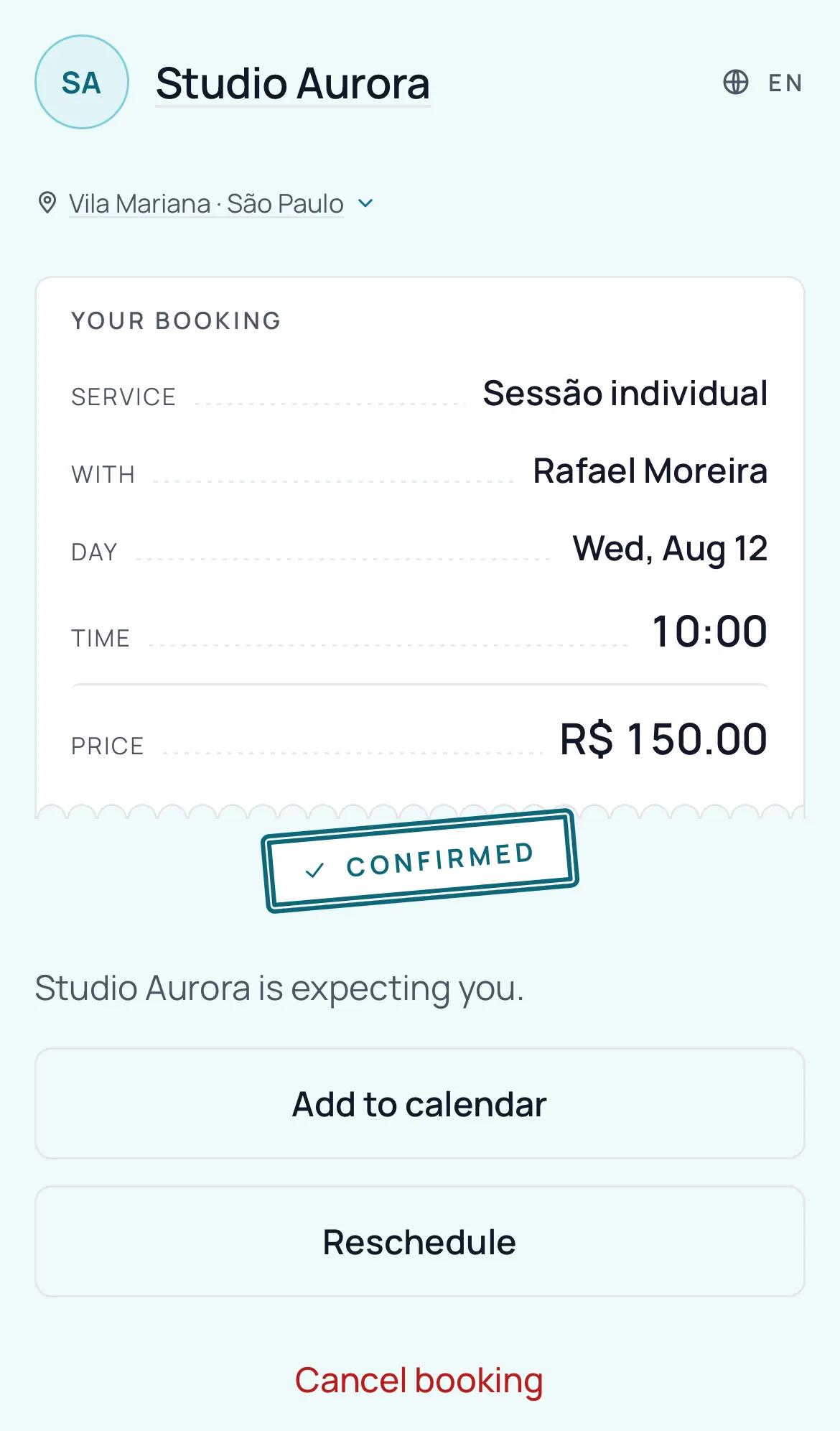
Your client books online, no sign-up. BookingChat takes care of the confirmation on WhatsApp.
Try it free for 30 days · no card
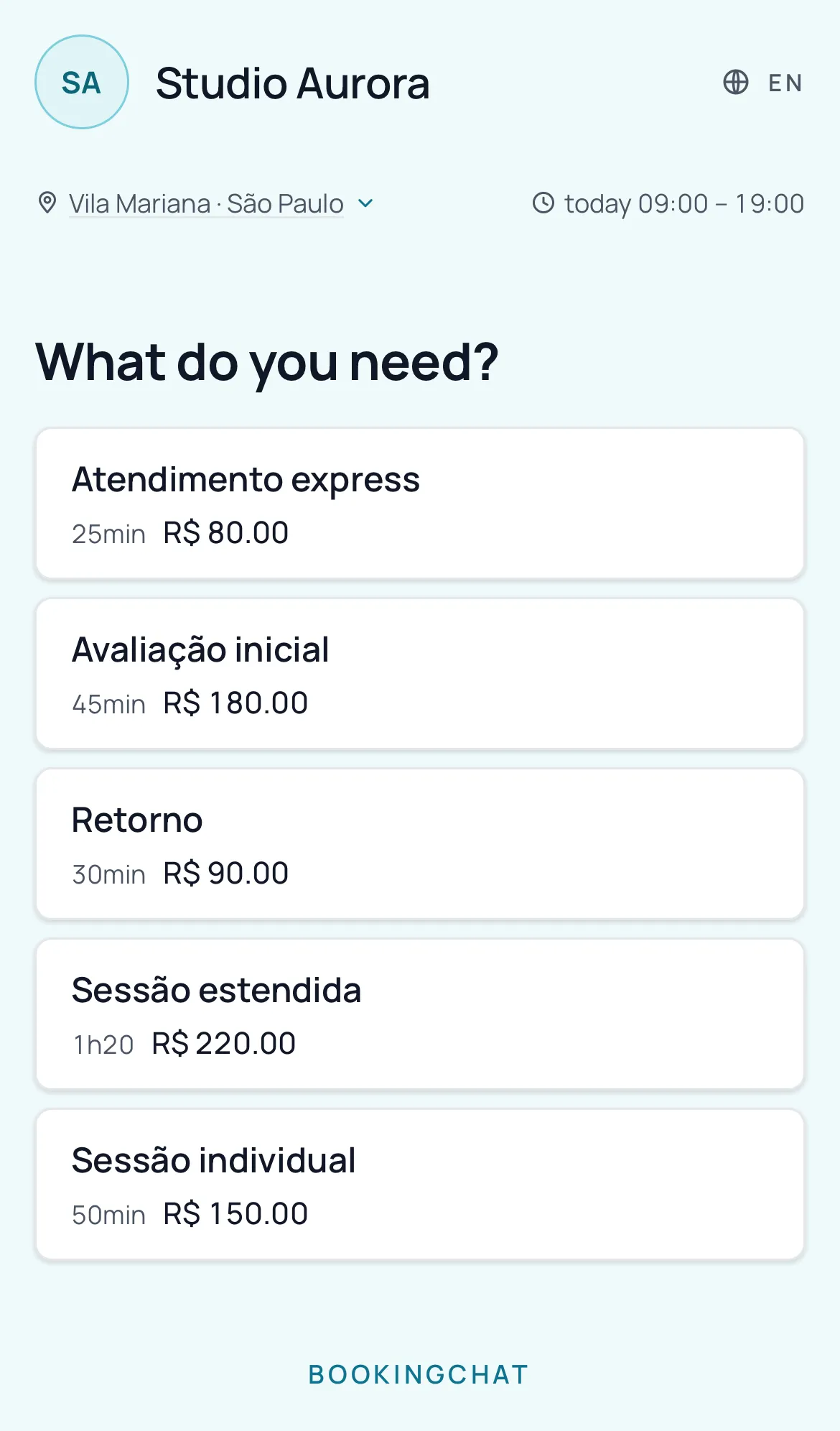
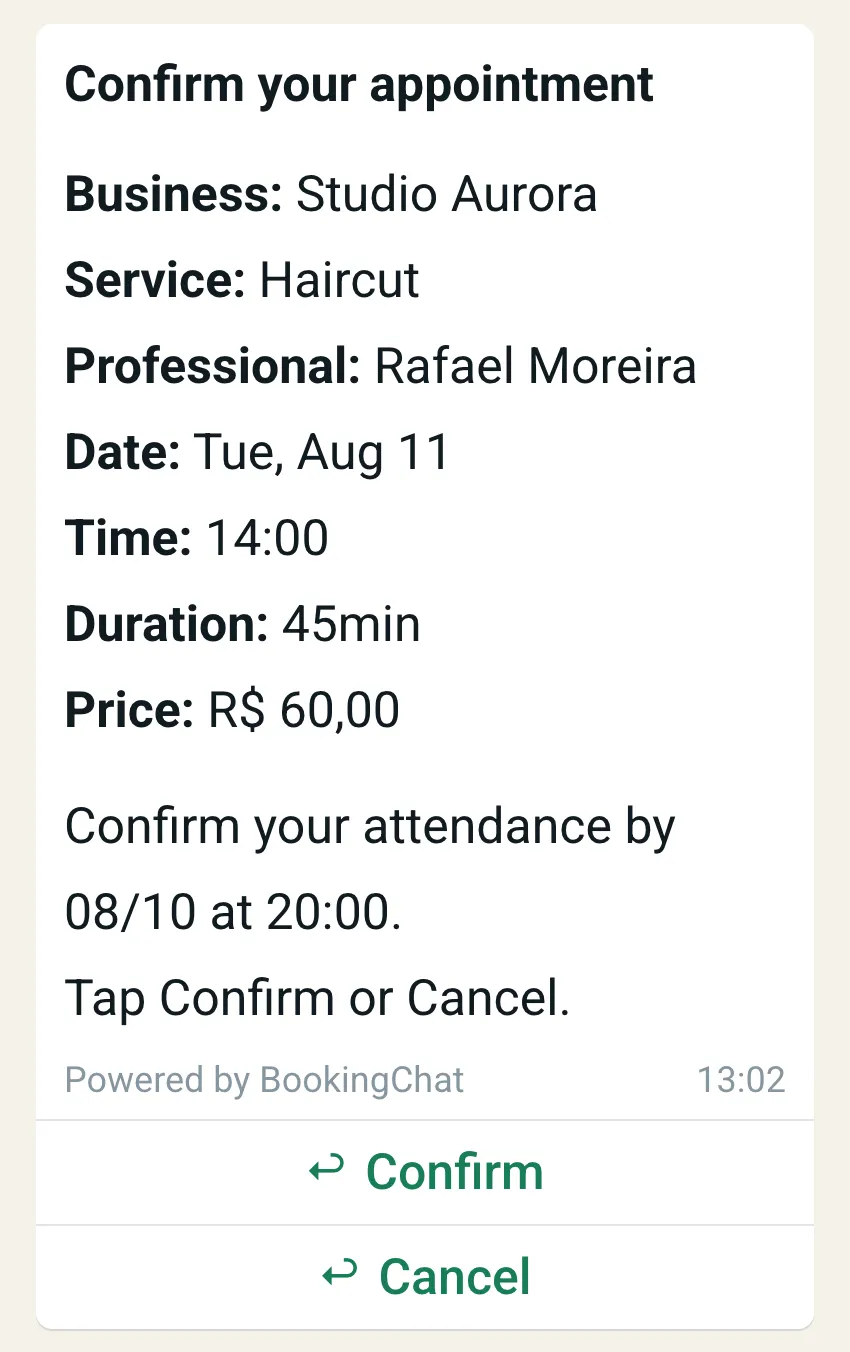
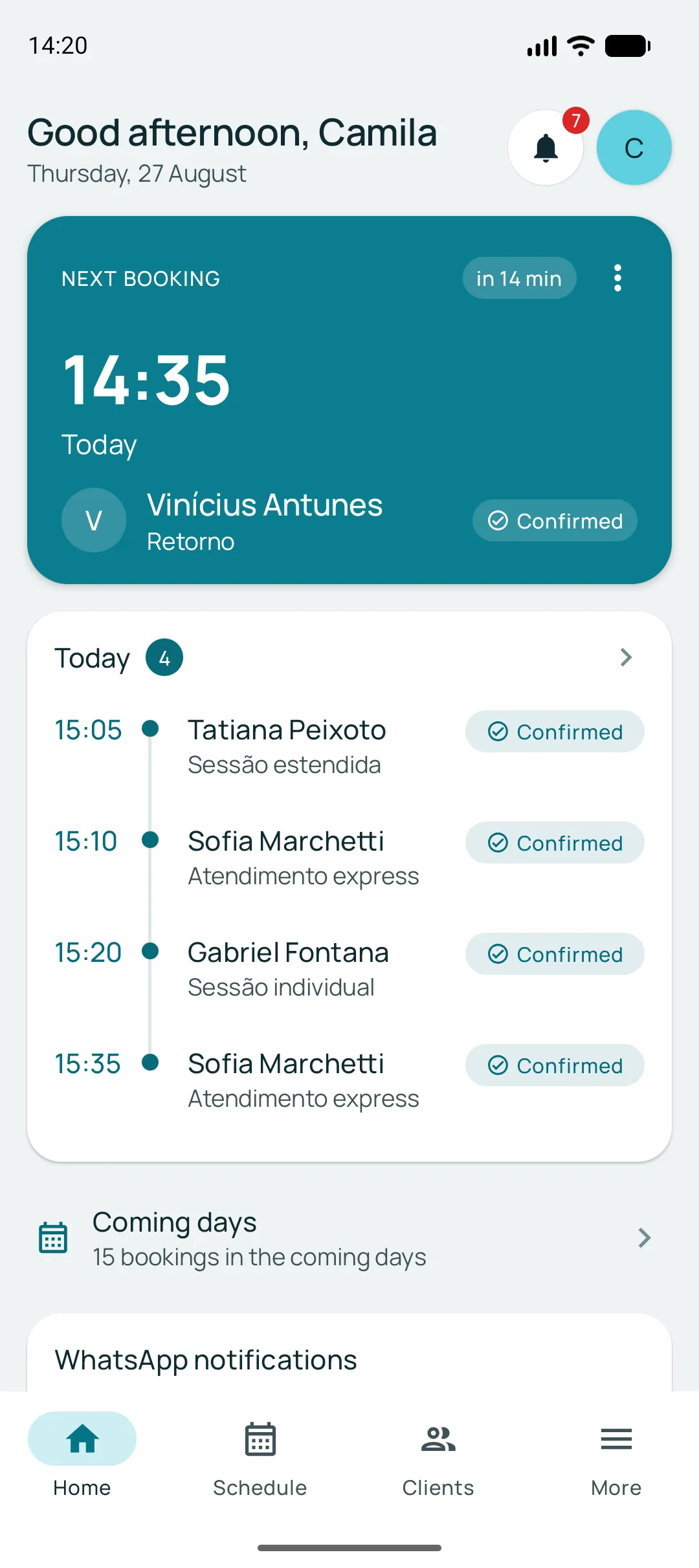
The business uses the app. The client installs nothing.
From the link to a confirmed time
For anyone who works by appointment: salon, barbershop, clinic, practice, aesthetics, workshop, freelancer.
- 1
You share a link
In your Instagram bio, on WhatsApp, on a QR code at the counter. The app generates the link, the QR code and a poster ready to print.
- 2
The client picks and is done
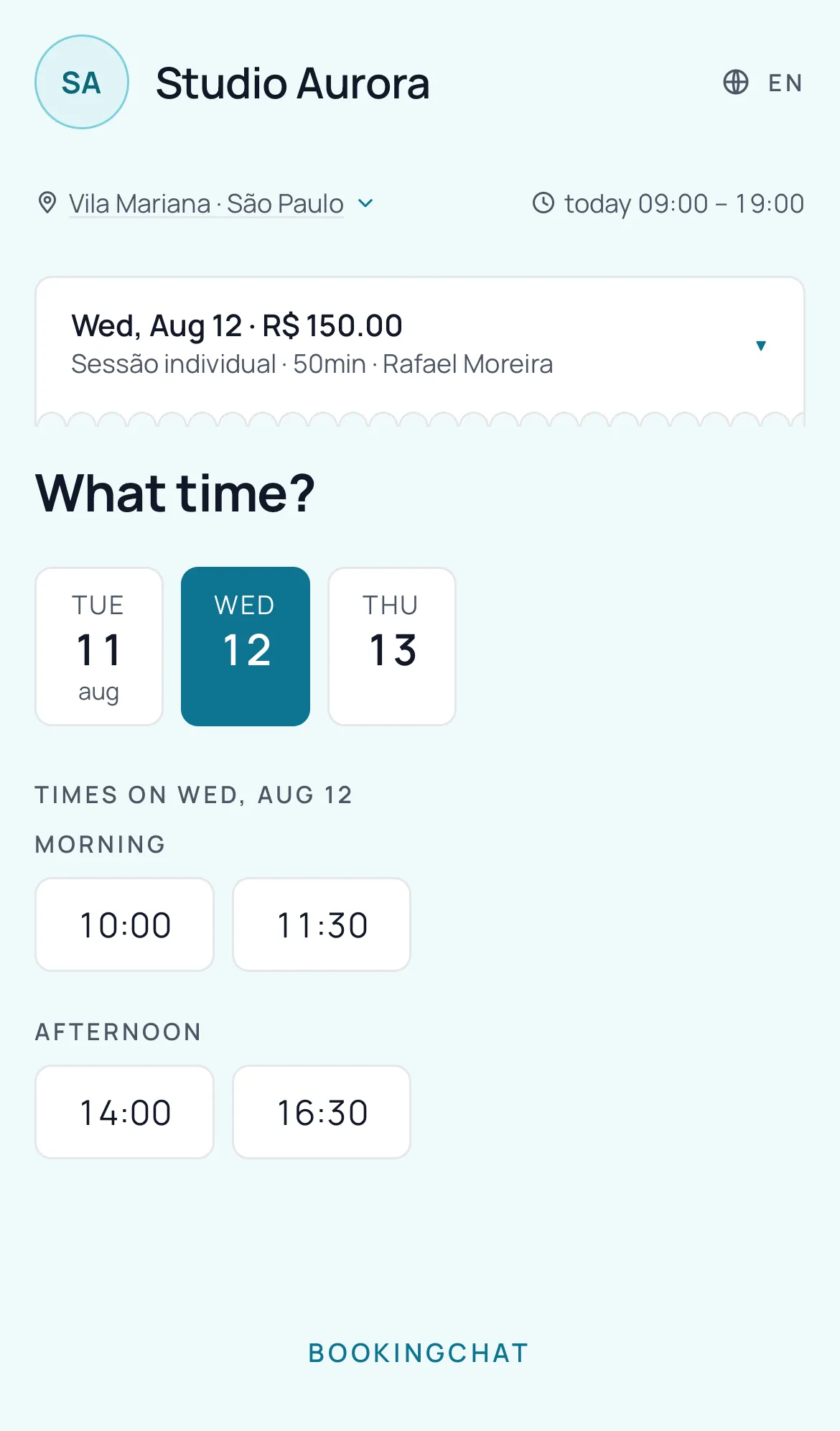
Service, professional, day and time. Name and phone at the end — no sign-up, no password, no app.
- 3
WhatsApp asks for the confirmation
Before the appointment, with a deadline. You choose whether the question goes out one or two days ahead.
- 4
You see it all in the app
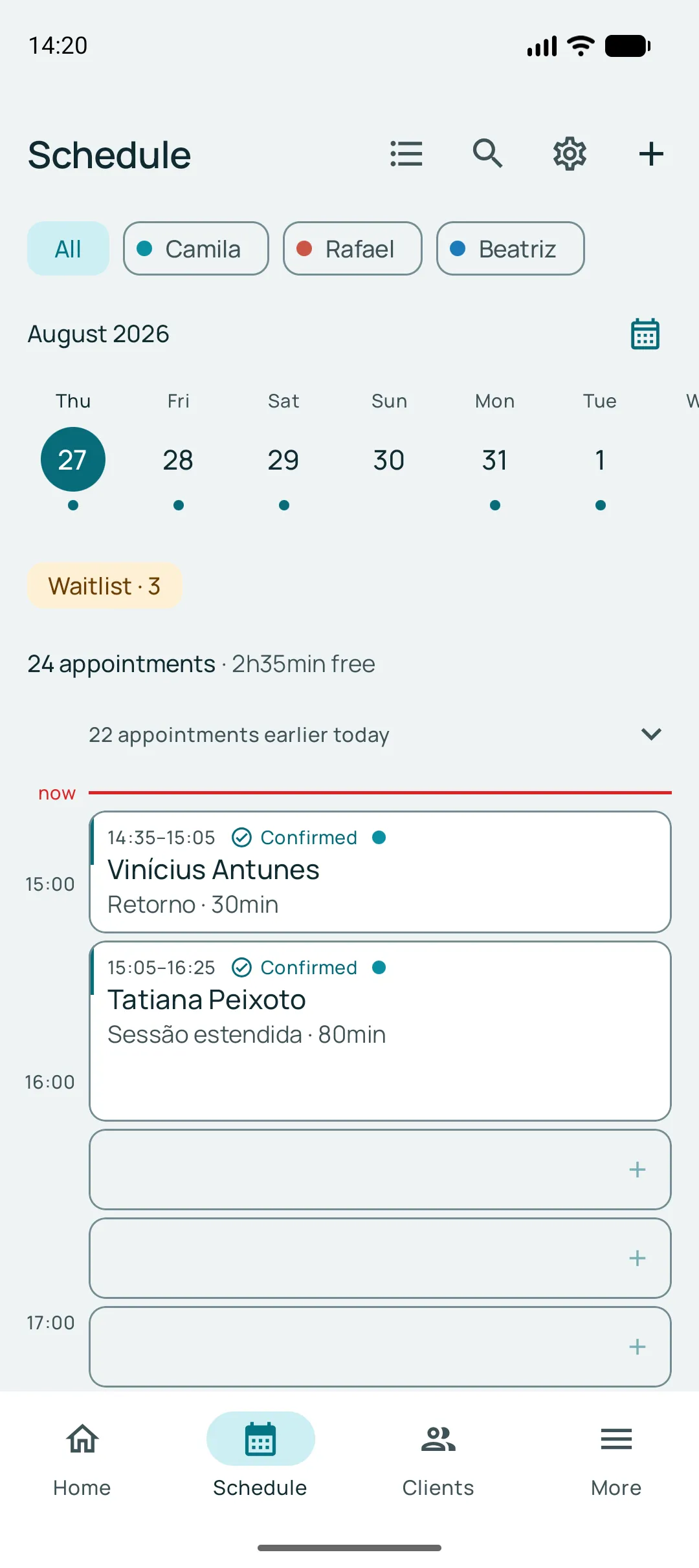
Who confirmed, who never replied, and the slot that went back on the calendar.
Whoever does not confirm releases the slot
The confirmation request carries a deadline. If the client does not reply by then, the booking is cancelled automatically and the slot goes back on the calendar — in time for someone else to take it.
They see the deadline in the message itself, with date and time, and reply right there — Confirm or Cancel. No surprises, for them or for you.
30 days free · 150 notifications included · no card
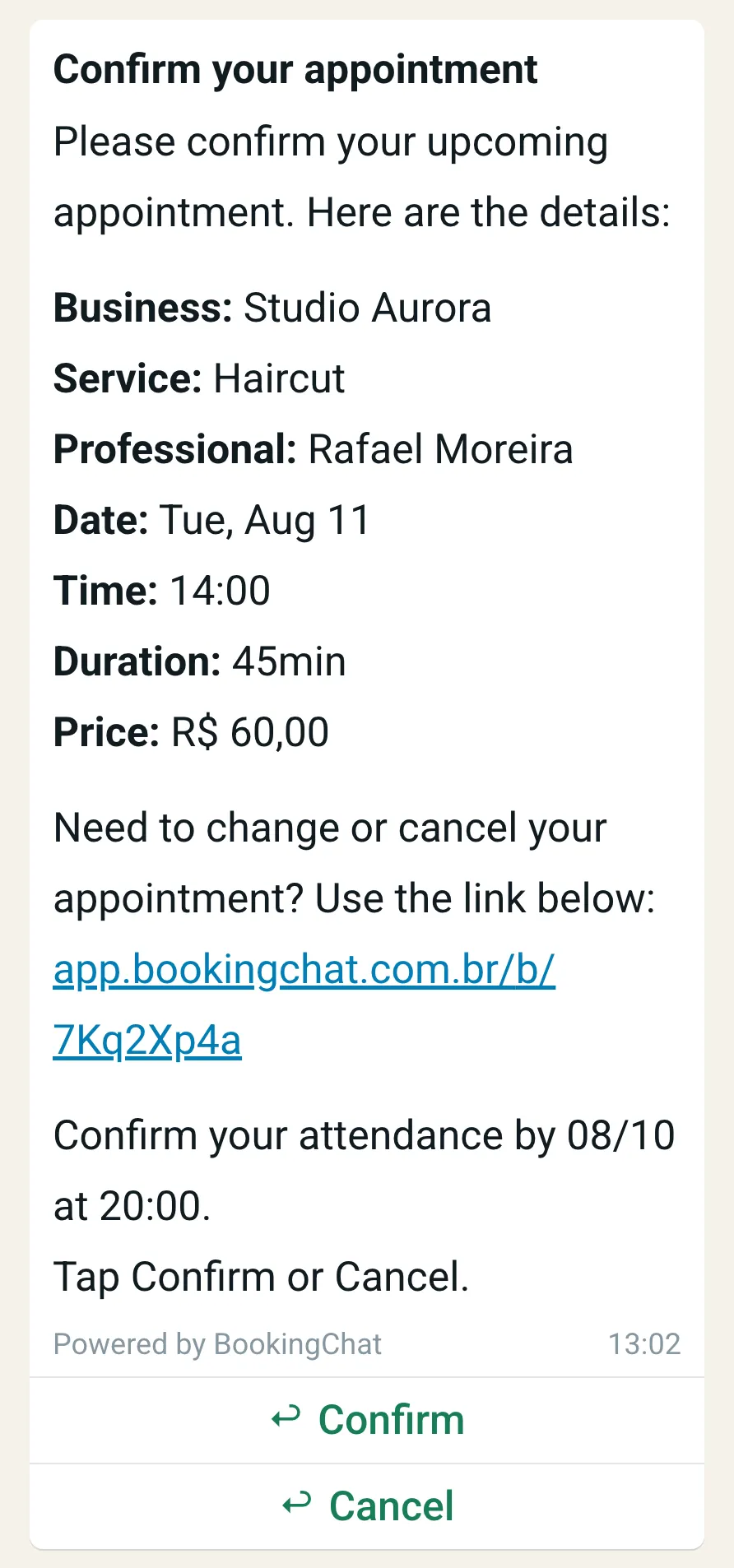
They book, cancel, reschedule — and come back on their own
Every reschedule the client does through the link is a phone call that does not interrupt the appointment you are in. And the freed-up slot goes back on the calendar right away.
Once the appointment is over, the same link offers to book again with the service and the professional already chosen — no phone number to type, and nothing for you to remember to chase.
The whole business on your phone
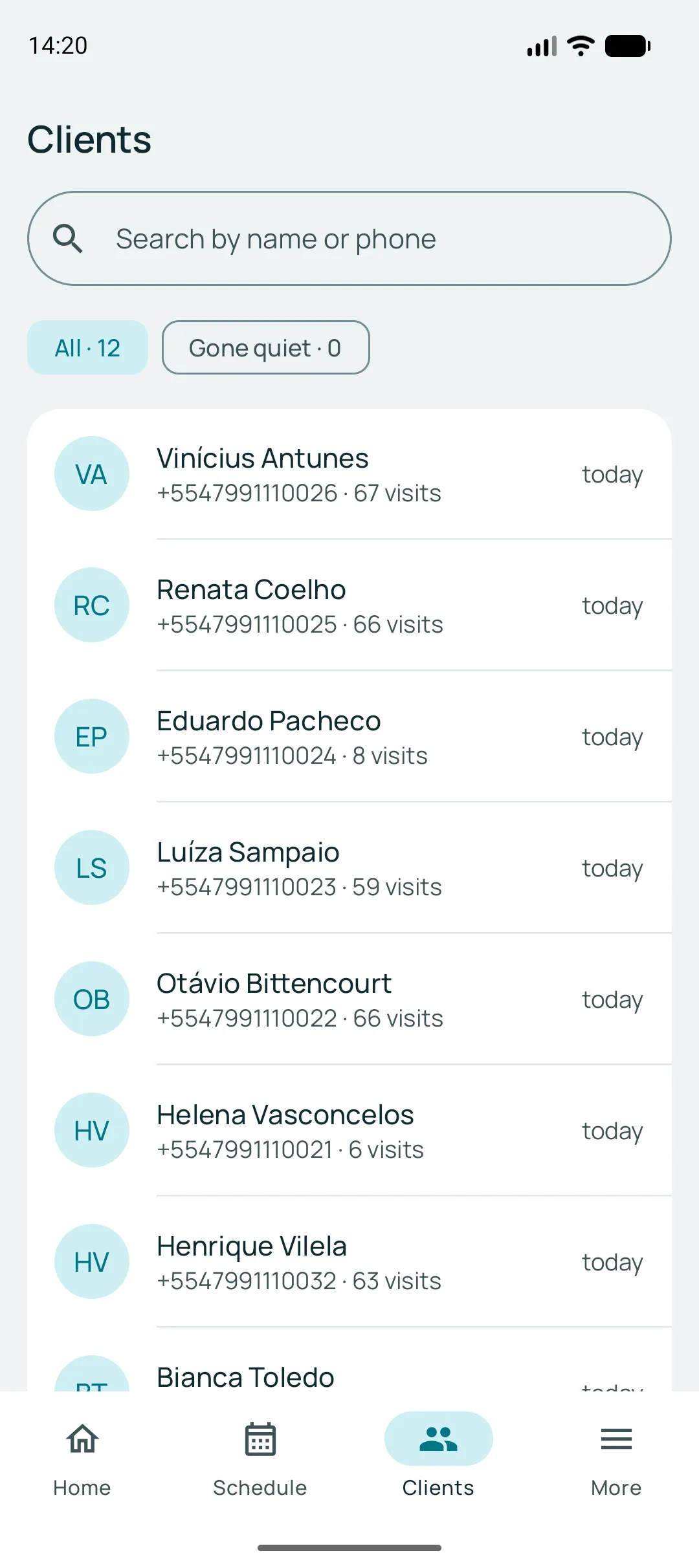
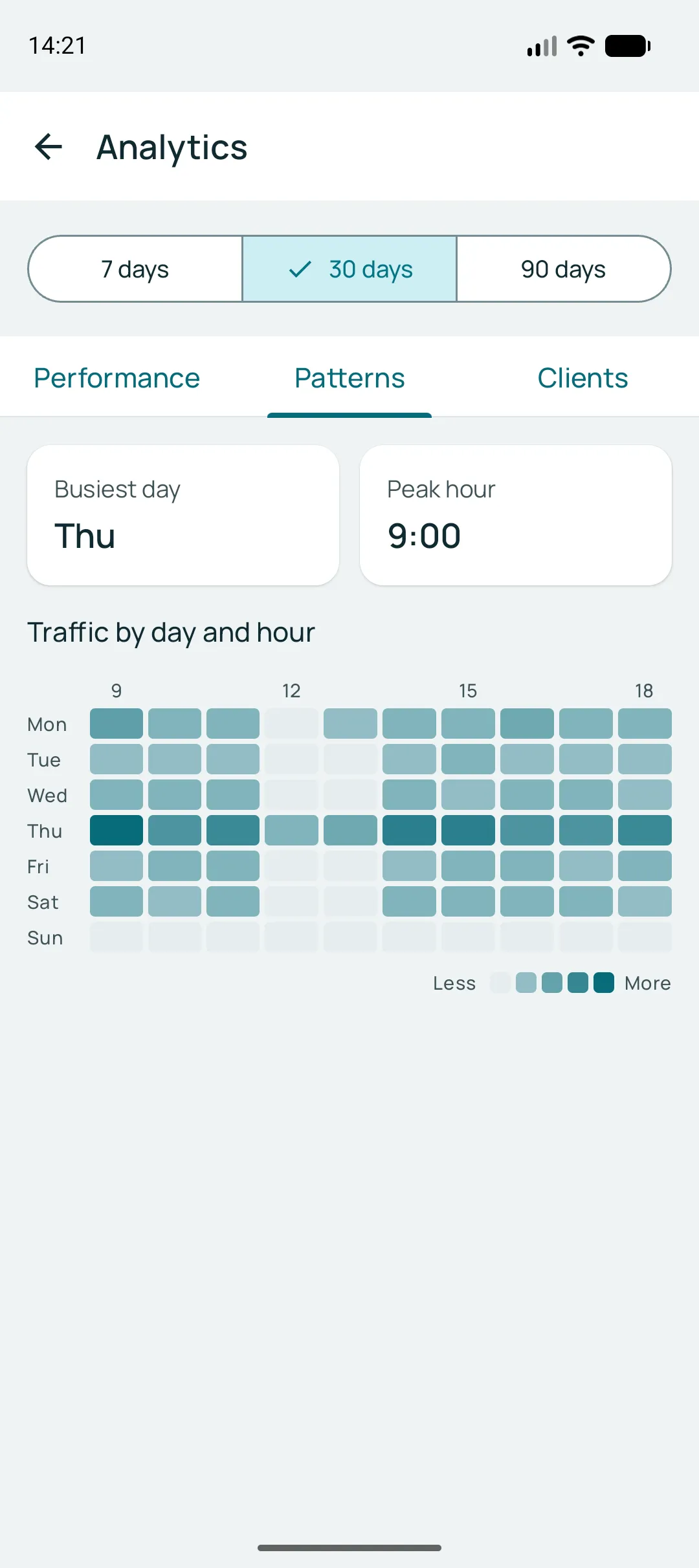
Bookings, services and professionals are unlimited on every plan — what the plans measure is the WhatsApp notification allowance, from 500 to 3,300 per period.
Start with the app
Install it, create your services and share your link. It is free to try, with 150 notifications included and no card.